While He Was Napping

momma gets stuff done

  • Home
  • About
  • Archive
  • Do It Yourself
    • Crafts
      • No Sew
      • Painting
      • Paper Crafts
      • Repurpose Projects
      • Vinyl
      • Washi Tape
      • Kid’s Crafts
      • Fonts
    • Sewing
    • Decorate
      • Home Decor
      • Holiday Decor
    • Celebrate
      • DIY Gifts
      • DIY Your Party
  • Recipes
    • Beverages
    • Appetizer
      • Bread
      • Other Appetizers
    • Snacks
    • Main Dish
      • Meat
        • Chicken
        • Beef
        • Pork
        • Seafood
      • Vegetarian
      • Slow Cooker
      • 30 Minute Meals
    • Dips & Sauces
    • Salads
    • Pasta
    • Soup
    • Dessert
      • Cookies
      • Brownies
      • Cupcakes and Cake
      • Box Mix Recipes
      • Other Sweet Treats
    • Breakfast Food
      • Pancakes
      • Waffles
      • Muffins
      • Other Breakfast Food
  • Family
    • Babies
      • Pregnancy
      • Newborns
      • The 1st Year
    • Toddlers
    • Preschoolers
    • Kindergartners
    • 6-8 Year Olds
    • The Grown Ups
      • Date Night
      • Romantic Gifts
    • Self Care
  • For the Home
    • Cleaning
    • Organizing
    • Emergency Preparedness
  • Travel
    • Travel Tricks & Tips
    • Traveling with Kids
  • Tech & Gadgets
    • Must-Have Apps
    • Techy Home Appliances
    • Gadgets & Electronics
    • Blogging Tips
  • Printables
    • Posters
      • Quote Printables
      • Subway Art Printables
    • Printable Organizers
    • Printable Journals
    • Learning Printables & Worksheets
    • LDS Printables
  • Holidays
    • New Year’s
    • Valentine’s Day
    • St. Patrick’s Day
    • Easter
    • Cinco de Mayo
    • Mother’s Day
    • Father’s Day
    • 4th of July
    • Back to School
    • Halloween
    • Thanksgiving
    • Christmas
    • Holiday & Seasonal Printables

September 12, 2012 by Krista

Best Android Apps for Momma – Part Two

Did you miss the other Android App Posts?  Check out the Social Media post and my Favorite Apps for Kids.  And if you missed part one of Apps for Momma, you can find it HERE.

Sorry it’s so long, but let’s just keep on trucking through my favorite apps for momma.  These are the apps that Make Momma’s Life Easier.  From tracking the kids, to shopping, the rare chance to sit with an ebook, finding a cheap place to fill up the car, music on the go, and more – it’s all about simplifying.

Making Momma’s Life Easier:
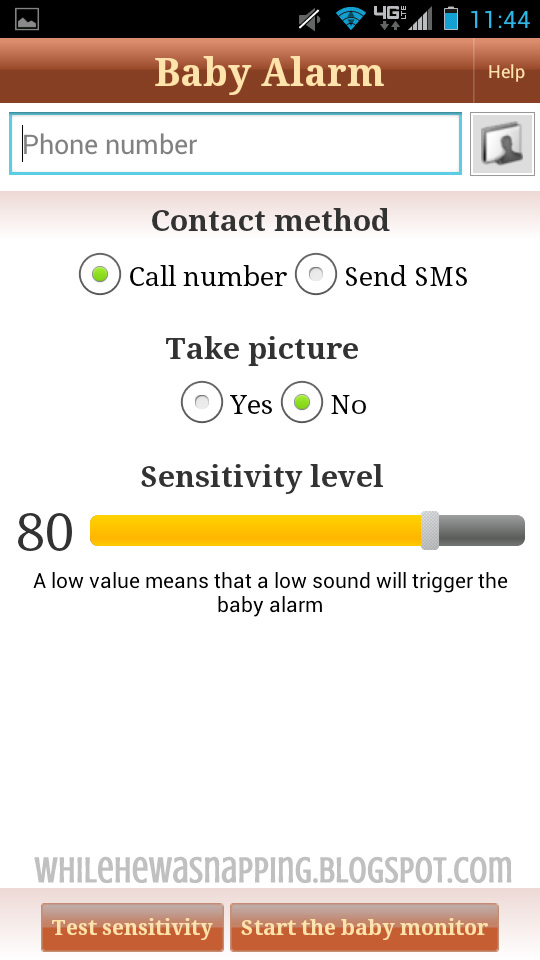
1.  Baby Monitor.  This app is pretty nifty if you’re off at Grandma’s or the family reunion or whatever.  You can go tuck your littles in a corner and bed them down at nap time without the worry that you won’t hear them wake up.  Basically, you set the volume limit and then the phone acts as a recorder and listens for noises.  If it records noises over the limit you set, it will call a pre-set number and alert you to the additional noise.  It’s pretty sensitive, but you can adjust the limits.  The pre-set number is a number you set up.  So, when we put Little Gator down in our cabin this summer at the family reunion, we simply set up Baby Monitor on either my phone or Mr Napping’s phone and set the other number as the notification number.  When Little Gator starts stirring, we’ll get a phone call and know that it’s time to go check on the not-so-sleeping little babe.  The downside is that one of us has to leave our phone with Gator.  Also, we have to set it after he is already asleep.  If he fusses a little before falling asleep, we’ll get the notification call.  In the Play Store for free.
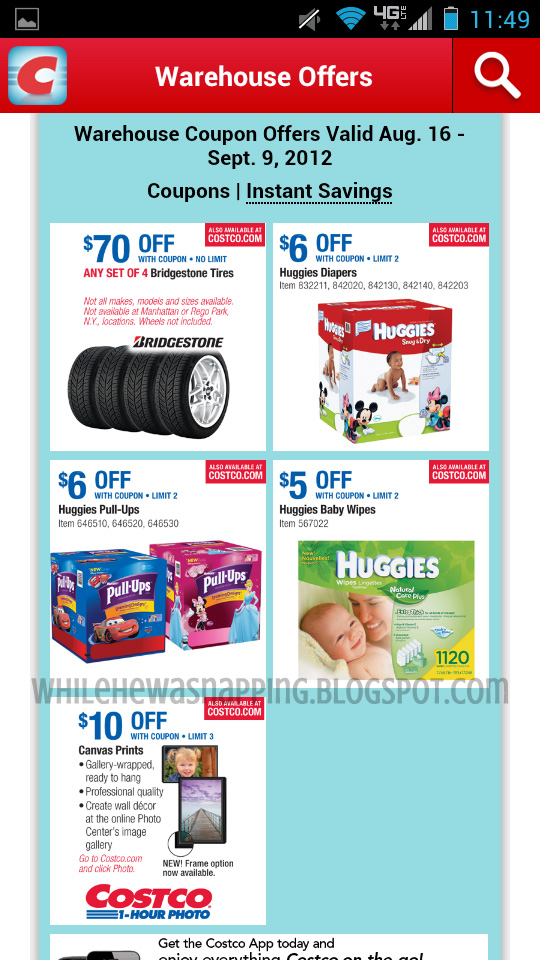
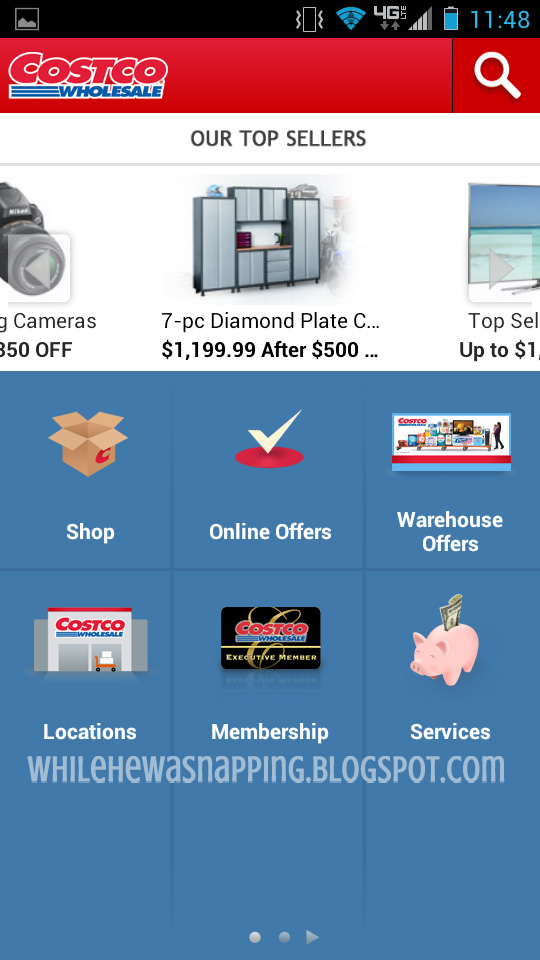
2. Costco.  I love having this app on my phone simply because I don’t have to remember to grab our coupon book from home before we go to the store.  We buy diapers at Costco and there is almost always a coupon.  We save $10-$15 a month of diapers because of the coupon.  It’s super nice to have them on my phone.  In the Play Store for free.
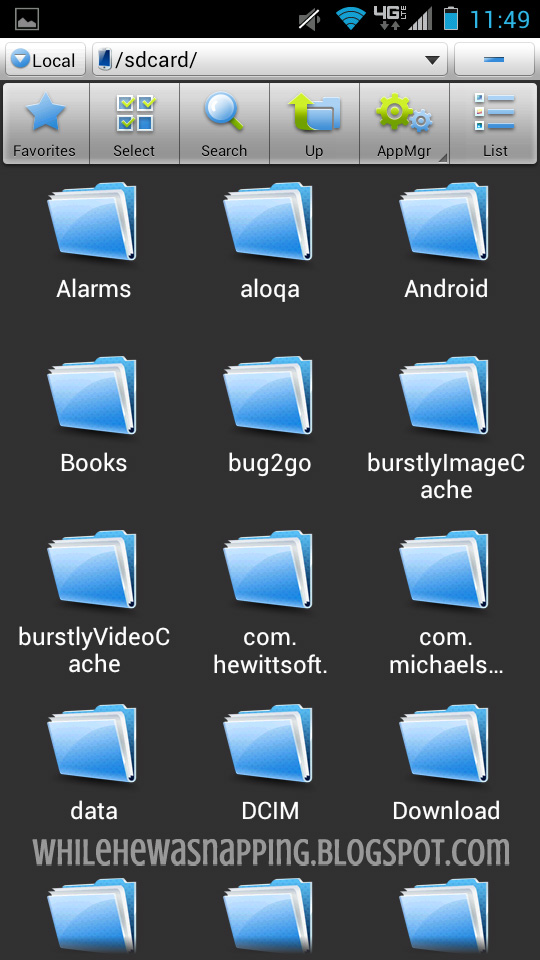
3.  ES File Explorer.  This is a fabulous file explorer app.  It’s set up kinda like a PC, so it’s pretty intuitive if you are familiar with that.  I love the folder structure and the ease of navigating my files.  In the Play Store for free.
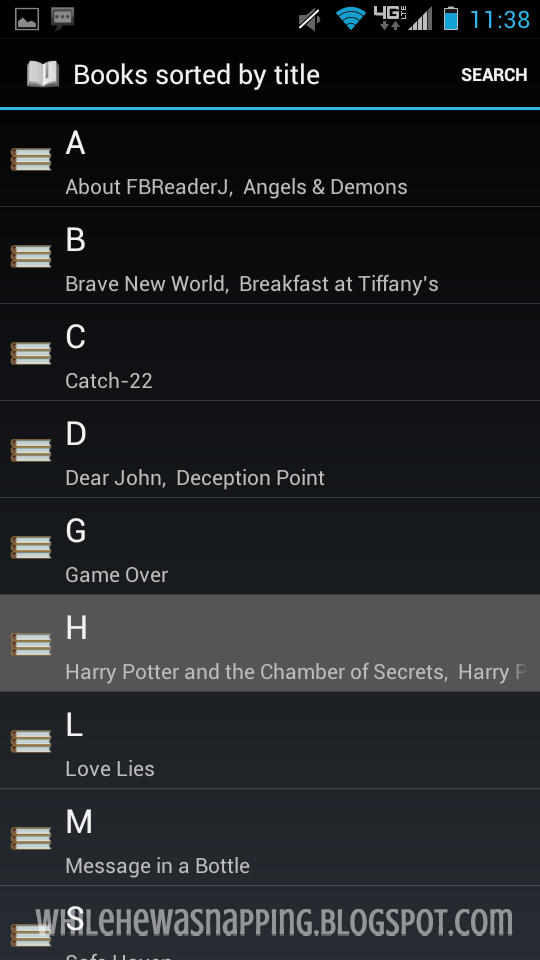
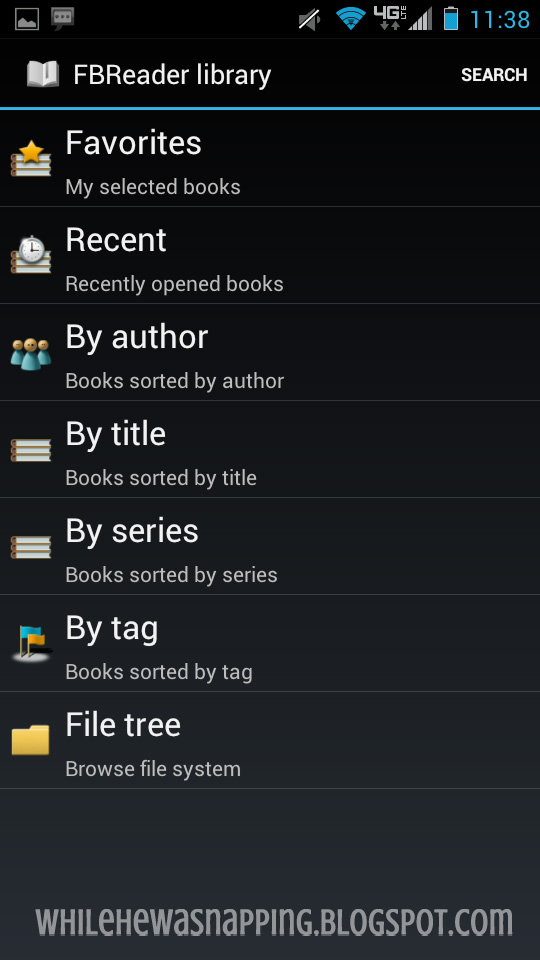
4.  FB Reader.  This is my e-book reader of choice.  I like the user interface and the easy organization.  Title, author, series, favorites, recent – whatever I’m looking for I can find it easily and quickly.  The layout of the pages are great in both landscape and portrait screen orientation.  The swipe-to-turn feature is fairly common, but still appreciated for it’s ease of use.  In the Play Store for free.
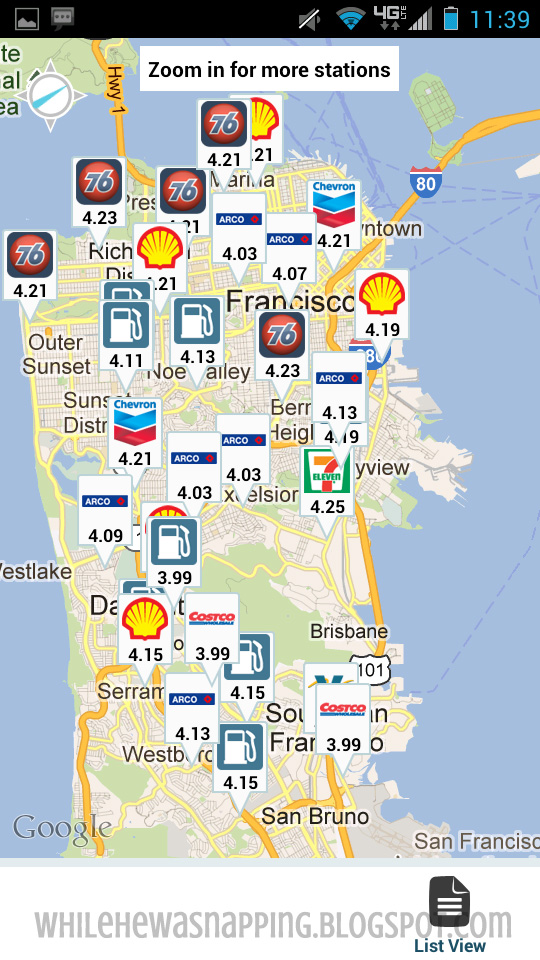
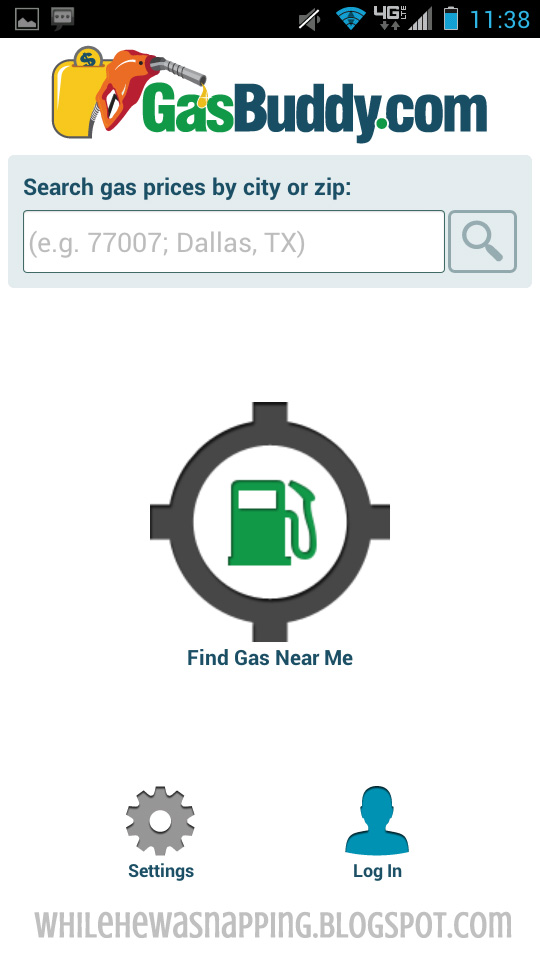
5.  Gas Buddy.  This is a must-have with gas prices today.  I love it on road trips and if I’m running errands across town.  I don’t have to be familiar with an area in order to get a good – well, as good as it gets – price on gas.  This app is so easy to use and it’s simple to update prices, so they are usually pretty accurate.  Save your favorites.  Search by typing in a place or with GPS location.  It’s laid out nicely and has a map view as well as a list view.  In the Play Store for free.
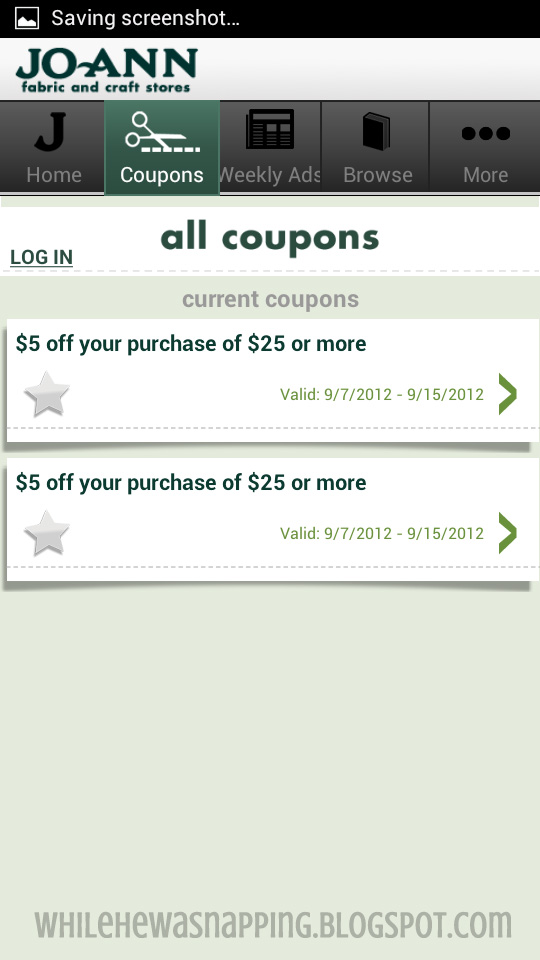
6.  Jo-Ann Stores (and the Michael’s Store app as well).  Okay, if you aren’t a crafter, these apps probably won’t be of much interest.  If you are, these apps are pay dirt for the two crafting moguls.  Browse the current flyer, search the site, find locations and {my personal fave} keep all your coupons on your phone.  No more remembering to print them out before you leave home and then leaving them on the printer… or am I the only one?  I love having the coupons on my phone.  Love.  LOVE.  L.  O.  V.  E.  Both Jo-Ann and Michael’s Apps are in the Play Store for free.

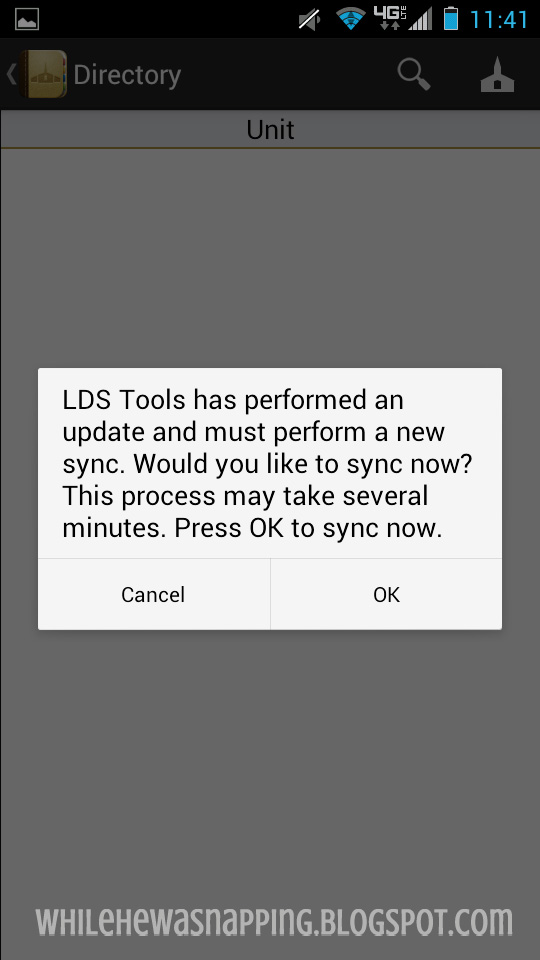
7.  LDS Tools.  If you aren’t a member of the Church of Jesus Christ of Latter-Day Saints, you probably won’t be interested in this one.  If you are, this is an amazing resource.  Find numbers, addresses and email addresses for ward members, stake members and leadership.  It’s the Ward List… on your phone.  Super convenient.  Don’t worry, your information is secure.  You have to log in to the app with your own unique user name and password.  Without the correct log in credentials, you won’t have access and you have to re-sync and sign in every 30 days as a security measure.  Also, you can edit what information shows up in LDS Tools.  In the Play Store for free.
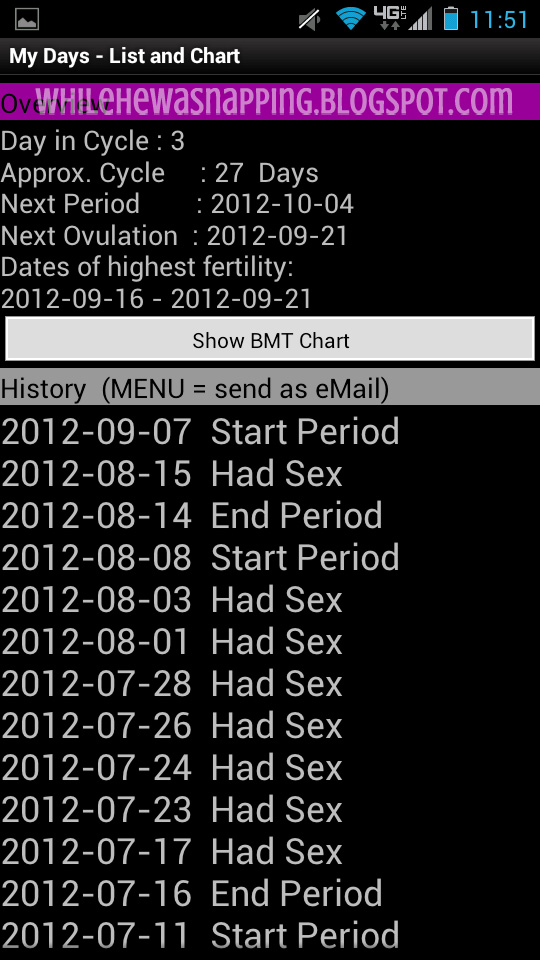
9.  My Days.  Ladies, this is my fave app for tracking all things feminine.  It’s simple, easy to use, and easy to read.  There is a list format of all activity and will tell you how long your cycle is, where you are at in your current cycle and when you will most likely be ovulating.  It’s a simple calendar set up and colored dots or bars give you a little heads up of recent and upcoming activity.  You can track basal temps, intimacy, track multiple users, and keep notes.  Join the community chats if you like, but that’s not my thing.  I use the free version, but there is a Pro version where you can set alarms, passwords and get rid of ads.  In the Play Store.

10.  Pandora.  I love the internet radio on my phone.  There are limited ads and the music is quality.  I can set my own station with a simple song title or artist search and I’ll get hours of similar tunes and artists.  No more switching stations to get away from those five minutes of advertising.  The ads that do come up are usually less than a minute or two.  Sign up for a Pro Pandora account and get ad-free listening.  I use Pandora everywhere and I love being able to log in and have all of my stations saved and ready to load.  Downside: you do need at least a mobile data connection.  Pandora can be a little bit of a let down on road trips in the middle of nowhere.  In the Play Store for free.

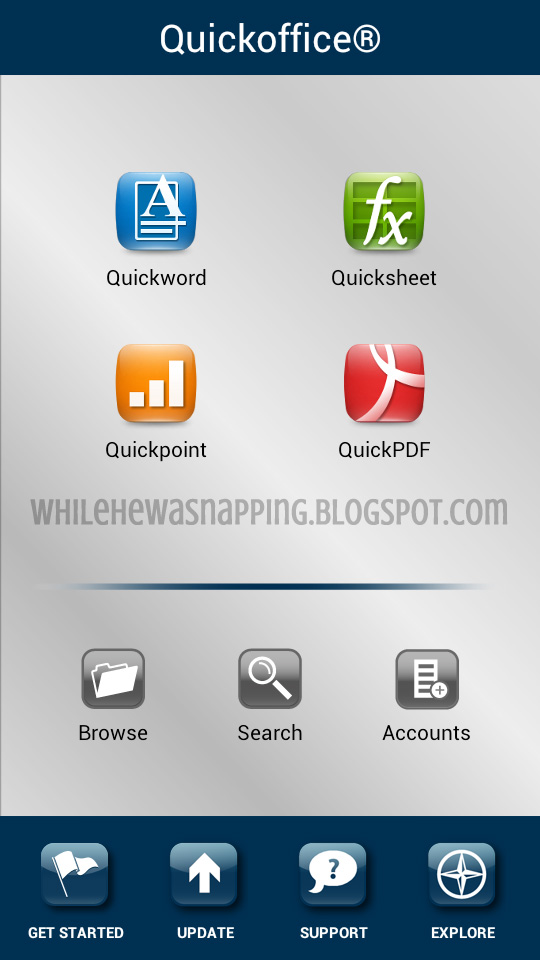
11.  Quickoffice.  I have the free version of this app and it does what I need to do on my phone.  Anything more and I’d rather just go find a computer.  The Pro version is a steep $14.99, but I’ve heard great things about it and it have over a four star average from reviewers (out of 5 stars).  I use this mostly for viewing PDF’s on my phone.  The Pro versions allow you to mark up and add notes to PDF files.  Think Microsoft Office on your phone.  In fact, you can save the files in the Microsoft formats (.doc and .docx, .xls and .xlsx, .ppt and pptx).  You can also link up your external files storage accounts (like Dropbox) in Quickoffice.  Free version is in the Play Store.
12.  Scope Beta.  This is a cool little app that allows you to post to all the major social networking sites at one time.  Send out that fun photo of the kiddo’s sandcastle to Instagram, Facebook, Twitter, Foursquare, and Tumblr all at once.  Boom, bam and you’re done.  Be aware this app is in Beta.  The user interface has a bit of a learning curve, but that’s partially because of the high volume of features this app boasts.  It will also pull all your info into the app.  You can check all five of those media networking sites from one app.  It’s worth the time to familiarize yourself with the app layout.  Free in the Play Store.

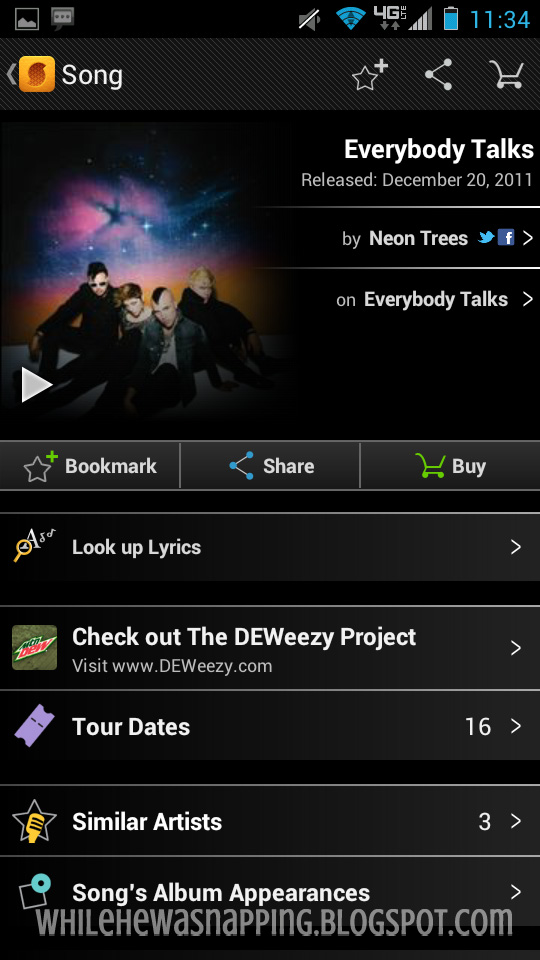
13.  Sound hound.  If you haven’t heard of Sound hound, come on out from under that rock!  This app is fantastic!  What’s that song on the radio?  Sound hound will record the song and analyze it and present you with the title and artist.  There is a free version and a paid version.  With the free version, you get unlimited song recognition and the app can identify a song in four seconds (sometimes it takes longer though, just be aware of that).  Sound hound Infinity is ad-free, but costs a pretty penny at $5.99.  Both versions are in the Play Store.  You can also make purchases of music through Amazon with the link provided in the app.

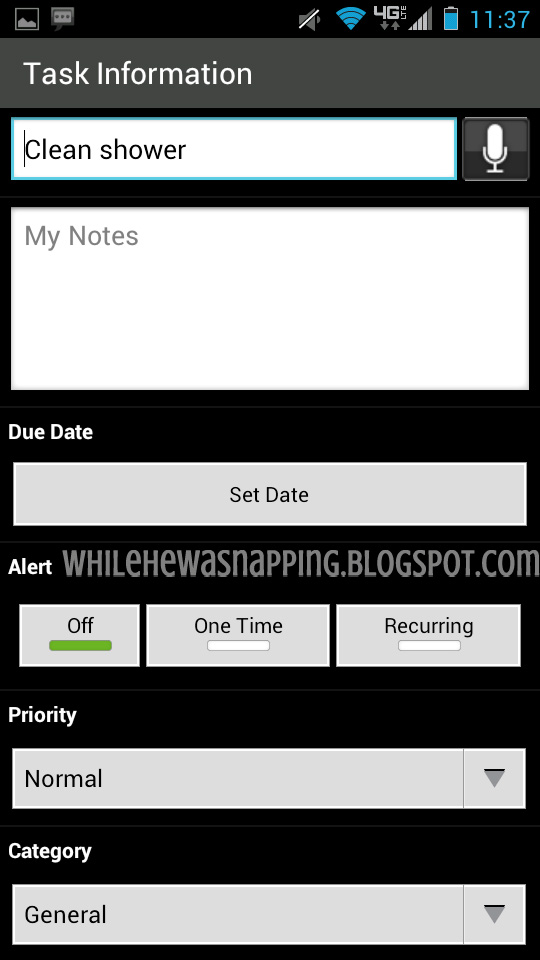
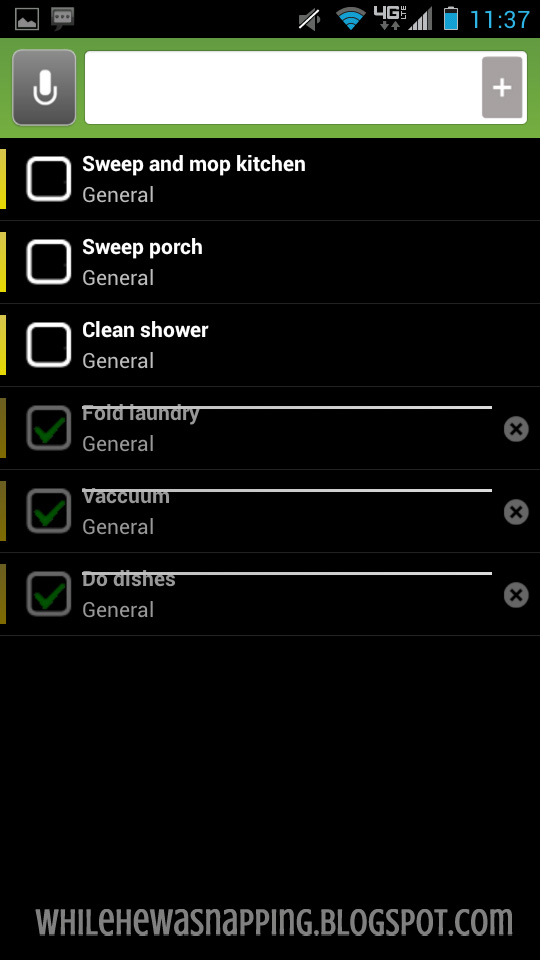
14.  Taskos.  I have used, tried and tested out several To-Do Lists and this one is my favorite.  It’s simple and user-friendly.  It’s easy to create multiple lists, the widget lets me keep at-a-glance tabs on what I need to get done, and a simple swipe will mark off a task and shaking the phone will clear completed tasks from the screen.  Also features full sync with Google tasks and supports multiple accounts.  It’s a great app.  In the Play Store for free.
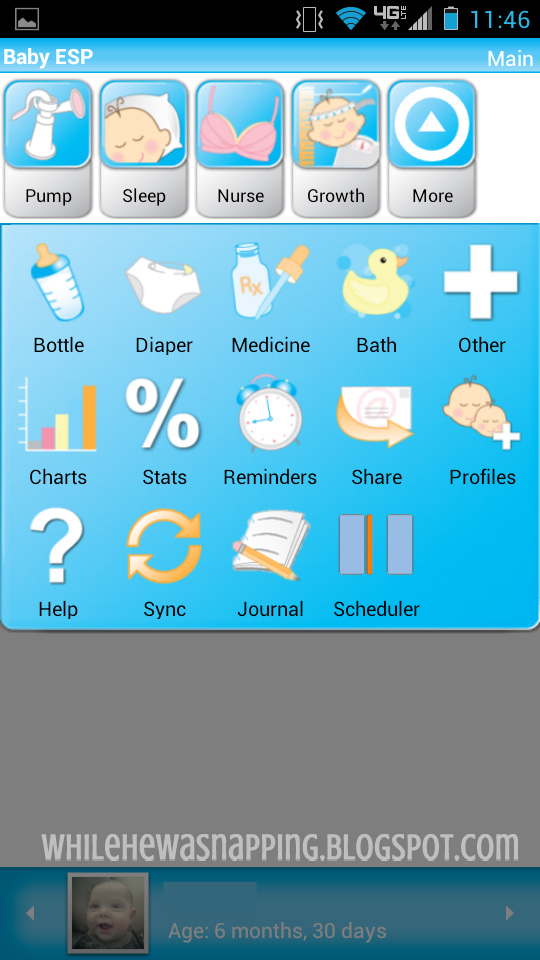
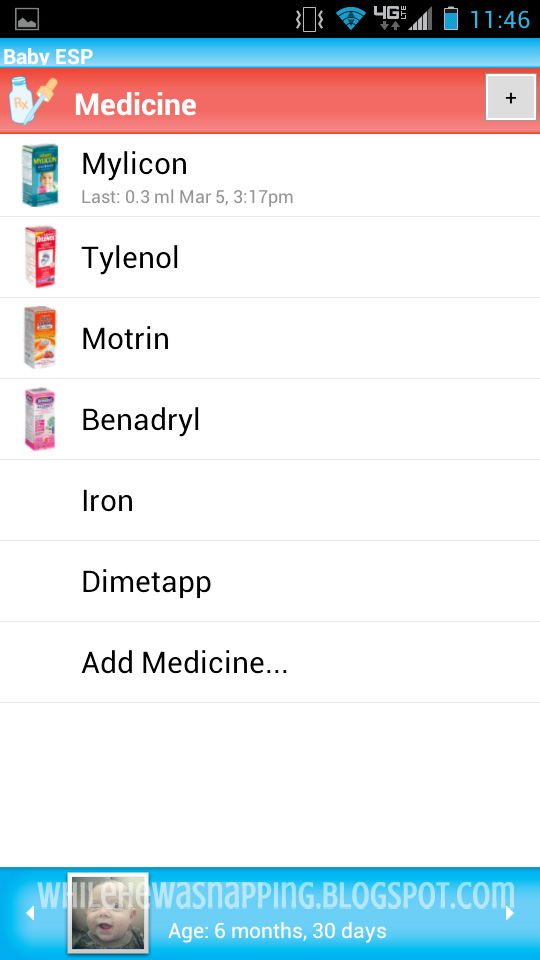
15.  Baby ESP.  This app tracks everything baby-related.  It’s awesome.  You can track nursing/pumping sessions, nap sleep and night sleep, diaper changes, bottles, baths, growth stats, and medication.  It syncs across multiple devices and accounts, as long as both people have the app.  Mom and Dad never have to wonder or worry about a double dose of medication or why baby is fussy.  Simply log all of baby’s activity and know at a glance what your child needs.  This was a LIFESAVER during the first few months of my kiddos lives.  You can track any number of children and even Mom.  This was so convenient after I had Gator because I didn’t have to track the clock to keep up on my pain meds.  This app automatically reminded me!  I paid $3 for it 3 years ago and would pay for it again.  It’s now $4.99 in the Play Store, but you can do a test run of the app with a free seven-day trial.  All features are included, except the syncing feature.  It’s a fabulous app and a must-have for tired, stressed, new parents.  Absolutely worth the money.

Do you have any apps you absolutely love?  Leave a comment.  I’m always on the lookout for new ones!  
Watch for the concluding post in the Best Android Apps for Momma series coming soon!
This post was written by Krista and originally appeared on While He Was Napping.
Don’t miss anything!
http://www.facebookloginhut.com/facebook-login/ Photobucket http://www.facebookloginhut.com/facebook-login/ Photobucket http://www.facebookloginhut.com/facebook-login/

September 11, 2012 by Krista

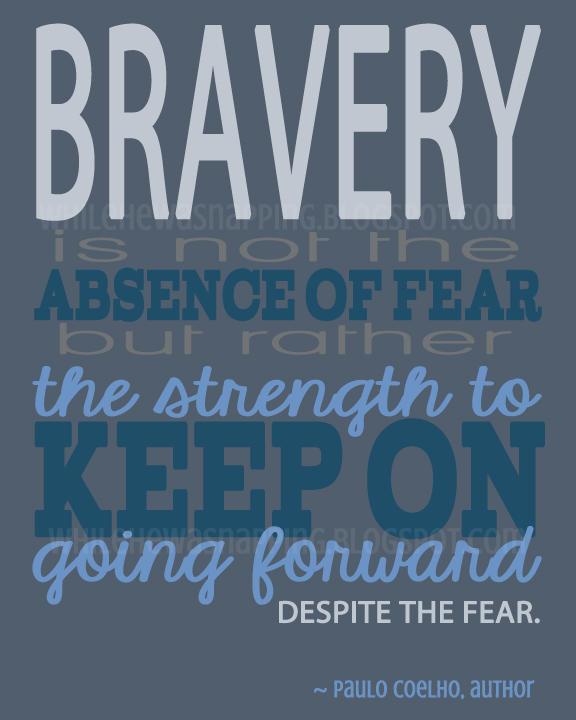
{Printable} The Strength to Keep Going On

We remember.  September 11, 2001.  We remember the cataclysmic and horrifying events of 11 years ago.  We remember the shock of such tragedy.  Such loss of life.  Such a blatant attack on the country.  We remember these things.  But mostly, we remember the heroic men and women who died that day.  We remember the family, friends and even the strangers their lives touched.  We remember a patriotism in this country that was so strong and so prevalent you could feel it.  We remember the sacrifices.  We remember the brave.  We remember and we have found the strength to keep on going forward.


Download your free un-watermarked copy HERE. 
Please be aware you will need a 4shared account to download.
Sorry for the inconvenience.

This post was written by Krista and originally appeared on While He Was Napping.
If you’d like to get more While He Was Napping, you can find me here:
http://www.facebookloginhut.com/facebook-login/ Photobucket http://www.facebookloginhut.com/facebook-login/ Photobucket http://www.facebookloginhut.com/facebook-login/

September 10, 2012 by Krista

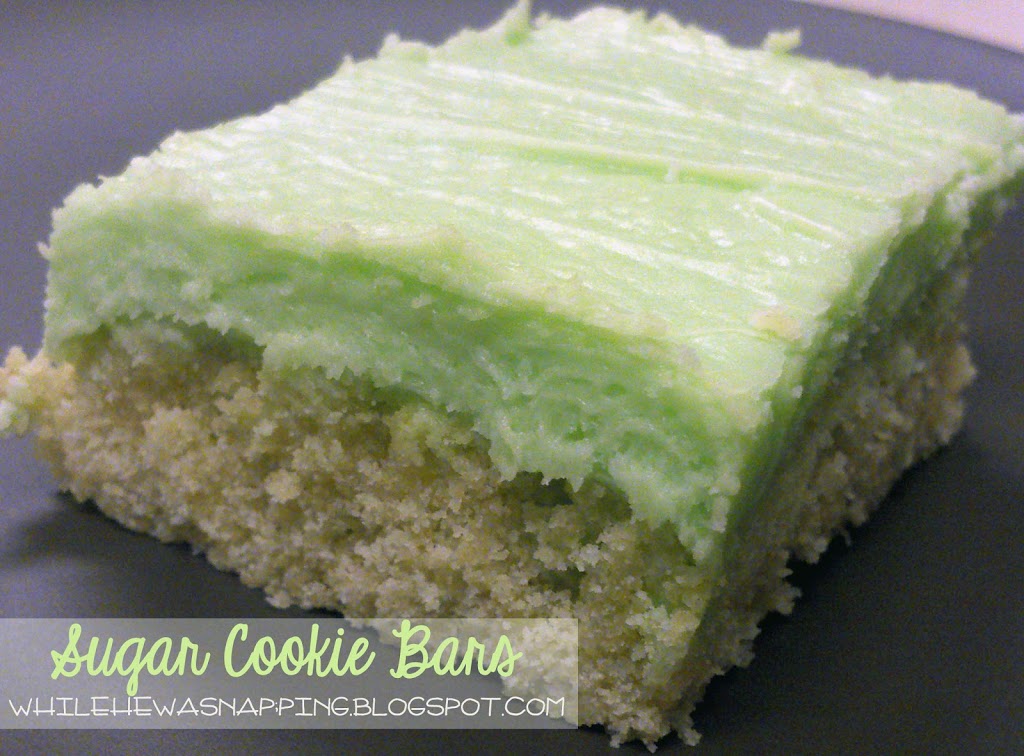
{Pin Testing} Sugar Cookie Bars

As the kick off project on my quest to complete, oh say, 20% of the things I have pinned on Pinterest, I have a treat for you.  I pinned these babies a couple weeks ago and figured they would just get added to my pretty little board of delicious-looking desserts and “maybe some day”s.  And then Mr. Napping was working late one night and I’d had both boys by myself all.  day.  l o n g.  Little Monkey was whiny and tired, but bedtime was still a couple hours away.  Early bed is not an option for us because Little Monkey then gets up at 4am… I don’t to 6am, no way in heck am I doing 4. The only reason I’m ever up at 4am is to feed the Gator.  Anyway, back to whining about my kids…  Gator was being even more clingy than he normally is.  And he normally cries for anyone but me.  I hate it.  I could swear he was teething, but alas, we still have no teeth in his gummy grins.  Not that I’m complaining, since he’s still mostly breastfed.  Anyway, every little thing was a billion times more dramatic than it was in the real world and I was at a breaking point.  Finally, I said, “Hey, let’s make something!”  Little Monkey looked up at me through his teary eyes like I’d sprouted a third arm (oh, I only wish that would happen!) and Gator just yanked on my hair some more and fussed.  Ah, so we had a plan.  Kinda.

I plopped my Little Gator in his Bumbo (love that thing) and grabbed my tablet for a quick Pinterest board search.  I headed straight to my Sweet Treats board and pulled up three yummy looking desserts.  I settled on Sugar Cookie Bars, mostly because it was the first recipe I checked to see if we had all the ingredients and we did.  Which, funny enough, looking back at the other two recipes, we didn’t have all those ingredients anyway.  Meant to be.  You can find the inspiration for this recipe at High Heels and Grills.  I took the basic recipe and idea, and tweaked it.  Thanks for sharing, Sarah!

SUGAR COOKIE BARS


Cookies-
Ingredients:
– 3 cups flour
– 1/2 tsp baking powder
– 1/2 tsp salt
– 1/4 cup butter
– 1 cup of granulated sugar
– 2 eggs
– 1/4 cup sour cream
– 2 tsp vanilla

Directions:
– Preheat the oven to 375 degrees and grease a 9×13″ baking sheet
– Cream the butter and sugar together until they are fluffy.  Add eggs and mix well.
– Add sour cream and vanilla.  Mix well.
– Add flour, baking soda and salt.  Combine until dough is well mixed.
– Press the dough into your cookie sheet.
– Bake for 15-20 mins until the edges are golden brown and a knife-check comes out clean.  (To perform a knife check, simply poke the tip of a butter knife into the center of the cookies.  If the knife comes out with crumbs or dough stuck to it, add another minute.  If it’s clean, the cookies are done.)
– Let cool.

Frosting-
Ingredients:
1/8 cup butter
2 cups powdered sugar
2 tbsp sour cream*
1/8 cup of milk (If you don’t have a 1/8 measuring cup, fill a 1/4 cup about halfway full.)
1 tsp vanilla
Dash of salt

Directions:
– Cream butter, sugar and milk.
– Add sour cream, vanilla and salt.
– Add food coloring if you wish.
– Spread even over cooled cookies.

*If you wish, you can replace the sour cream with softened cream cheese and a dash of lemon juice.  The lemon juice will help with clumpy cream cheese.  Mix them well if you go with the cream cheese.

The first time I made these I followed Sarah’s recipe almost exactly.  The only thing I did was add an extra egg because my dough wasn’t forming.  Maybe I miscounted the flour?  Anyway, I made two batches of these cookies within 10 days and substituted the cream cheese into the second batch.  It was delicious and offered a sugar cookie that wasn’t quite so sweet.  This ended up being perfect for my Mr. Napping, since he thought the originals were a little too sweet.  He’s weird like that.  That’s also why I cut down on the amount of frosting from Sarah’s recipe, although I enjoyed the frosting from the first batch as well.  Ate the whole dang pan by myself practically…

This post was written by Krista and originally appeared on While He Was Napping.
If you’d like to get more While He Was Napping, you can find me here:
http://www.facebookloginhut.com/facebook-login/ Photobucket http://www.facebookloginhut.com/facebook-login/ Photobucket http://www.facebookloginhut.com/facebook-login/

September 7, 2012 by Krista

Weekend Wander #95

Howdy, all.  Sorry, again, about being MIA all week.  I’ve been struggling to find the time to write posts.  I have like 43 draft posts, all with titles and a few lines.  I never really dread the writing part (actually, I enjoy it), but it takes A LOT longer to write up a post than you might think.  My mom took Little Monkey yesterday and while Gator was taking his afternoon nap, I got three different projects finished and photographed… but I don’t know when I’ll get the posts written up… it’s kind of disheartening.  I need some major organization in my life.  I’m working on that too.  Bah.  Anyway, let’s party!  Whatcha been up to?

Oh, and come visit me on Over the Big Moon.  I’m hanging out there today.


This post was written by Krista and originally appeared on While He Was Napping.

http://www.facebookloginhut.com/facebook-login/ Photobucket http://www.facebookloginhut.com/facebook-login/ Photobucket http://www.facebookloginhut.com/facebook-login/

August 31, 2012 by Krista

Weekend Wander #94

Wow, where did the summer go?  I can’t believe it’s gone.  Actually, out here in the desert, we get another month or two of warmer weather.  But all the local schools have started again and there’s nothing like school to bring summer to a crashing halt.  Summer and the check-out lines at Wal-Mart, Target and every other retailer…  Glad I’m not going to (or have children attending) school this year.  Although there are days I’d love to send my little angels off for a few hours… Anyways, what have you been doing this busy time of year?  Link ’em up, let me see whatcha got!

http://www.facebookloginhut.com/facebook-login/ Photobucket http://www.facebookloginhut.com/facebook-login/ Photobucket http://www.facebookloginhut.com/facebook-login/

  • « Previous Page
  • 1
  • …
  • 119
  • 120
  • 121
  • 122
  • 123
  • …
  • 231
  • Next Page »

I'm Krista. Ringleader here on While He Was Napping, wife to my handsome Mr. Right & momma to my THREE energetic boys, Big J (9), Little J (6) & Little N (4). We FINALLY added a beautiful little girl to our family last December.

I’m knee-deep in Tonka trucks & Thomas trains. I survive our crazy days with Vanilla Coke, Sonic slushies, sweet snuggles and little giggles. When I tuck them in tight & kiss them good night, I get a little time to create & just be me.


It all happened
while (s)he was napping
Want More of My Story?

Privacy Policy

While He Was Napping respects your privacy and is committed to keeping any personal information collected on this website confidential. To find out what information we collect and how it is used or what options you have regarding your information, see our full privacy policy here. Creative Commons License The website found at whilehewasnapping.com and all subdomainsauthored and published by Krista is licensed under a Creative Commons Attribution-NonCommercial-NoDerivs 3.0 Unported License.

Pretty Chic Theme By: Pretty Darn Cute Design